Dan Little
Problem solver and lifelong technologist.
I couldn't believe this domain was available. There are a lot of Dan, Daniel, and Danny Littles out there, so this felt like a win. I am the Dan Little who grew up in Uniontown and who now lives in North Versailles, 15 miles east of that great football city, Pittsburgh. This page highlights some of the personal projects I have worked on over the years. It leaves out my work in Corporate America and for clients, since I would rather not accidentally wander into trade-secret territory. It has all been a lot of fun, and with the way we are all gravitating toward Artificial Intelligence, this is a great time to be alive.
Web Projects

SoothSage
SoothSage is a place to track important health information and review it over time. Log everyday items such as blood pressure, glucose, weight, food, activity, symptoms, sleep, stress, caffeine, alcohol, nicotine, lab results, and prescriptions. I continue to build out capabilities on it.

Tree & Family
A modern genealogy platform built from more than 20 years of researching my own family history. Along the way I found some wonderful things, but I also found that most genealogy sites either lacked strong reporting or put the good stuff behind a cost wall. So I built Tree & Family.
The site supports both GEDCOM and GEDZIP import. GEDZIP is especially useful because it includes images packaged into a zip file. There is a video and a full section on the site that explains that part in more detail. Reporting was one of my biggest goals. One report told me the average lifespan in my tree is 64. I am 62, so that was not exactly uplifting, although the number improves quite a bit when I look only at my direct ancestors.
It also includes a guided AI agent that can answer questions about the tree. Guided is the key word there. It does not know everything, but it is useful when asked the right questions.

Little Family Games
A fun place to be. During the time between work and more work, and moonlighting fans will recognize the steal there, Jeannie and I decided to stand up a set of games and Little Family Games was born.
No one is getting rich off it, but it was wonderful to work on during a difficult time in life. A number of the games have been resurrected recently on iPhone. Android is still on my radar, but it is not a top priority right now. I also have another game in mind, and I am keeping that one under wraps until it is ready.
Archives
VB Puzzle Games
Here are some of the puzzle games I wrote between 1995 and 2005. They started in VB3 and were later promoted to VB6. I still have the executables for them, but unfortunately the source code is likely sitting on a computer that is now defunct.
Some of these are pretty creative, while others are more straightforward, but all of them were fun to build.
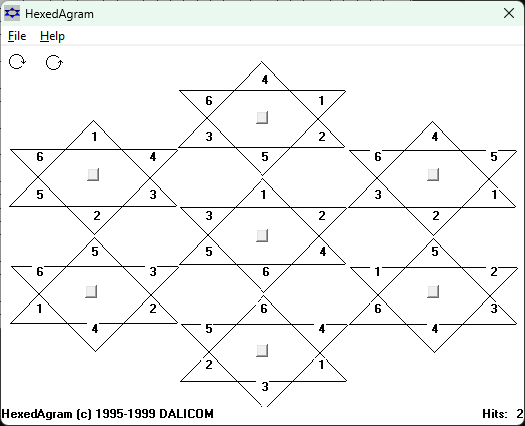
Hexedagram
This one is built around a set of seven hexagrams. The goal is to match the numbers at the points by turning the pieces and swapping them with each other. Truth be told, I have never won it without cheating. Testing the program to completion required... flexibility.
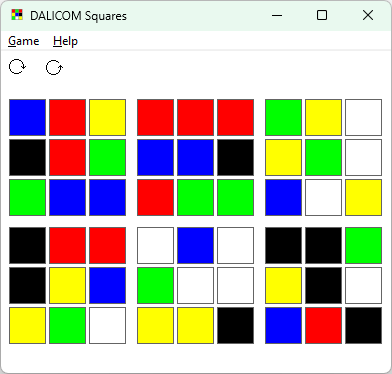
Squares
Think of it as a flattened version of a Rubik’s Cube. You can turn, twist, and swap rows and columns until the colors line up properly. I have actually won this one fair and square.
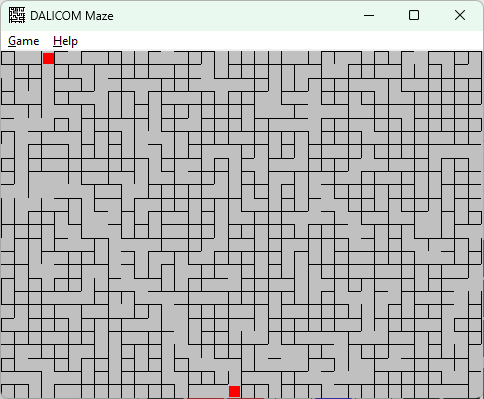
Maze
This game auto-generates the maze, so it is not based on a fixed layout. There is always a beginning and an end. Quite frankly, it is very easy to win, but the generation part was the fun of it.
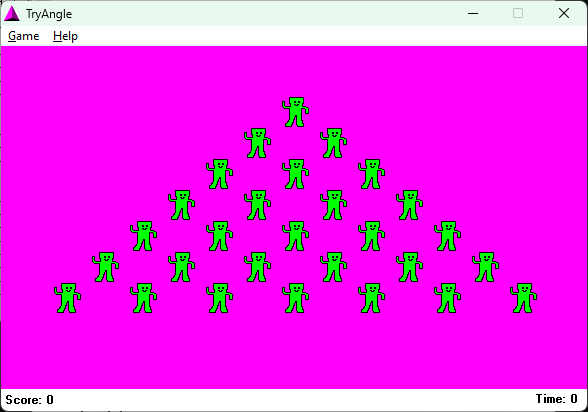
Tryangle
This was the first version of the puzzle that is now on Little Family Games, both on the web site and as an app. It is similar to the wooden peg game where you remove one peg and jump the others until only one remains. I used to know the winning pattern. When I brought it back for the Apple Store, I discovered that knowledge had left the building.
Trivial Draw
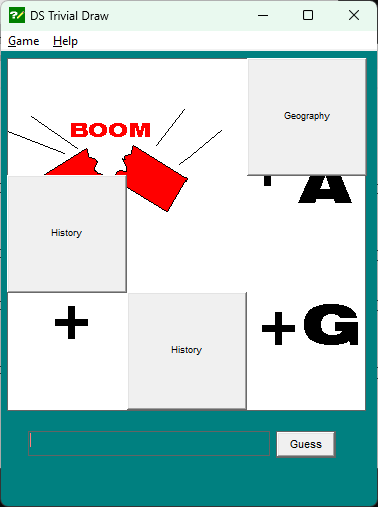
A trivia game where you uncover the hidden puzzle by answering questions on a grid. It also included a puzzle editor that used DDE with Paintbrush, which somehow still works on my Windows 11 machine.
Hangman and Mousepad
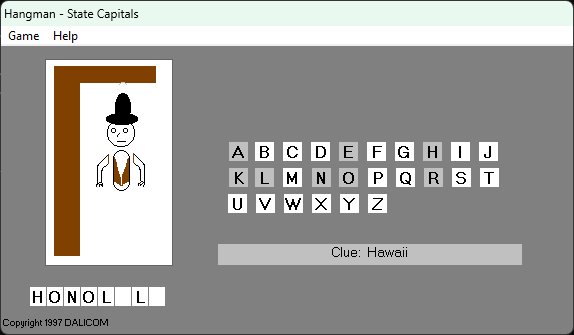
Hangman features a very cheesy cowboy drawing, and you will never hear me claim to be an artist. There was also another game called Mousepad that I cannot get to run anymore. It was a blue mousepad with board-game-style blocks on it. You clicked the dice to roll and moved forward or back depending on where you landed. Get the cheese and you win. I am still a little sad about that one because it was a blast.
Download the Original Puzzle Games
If you are feeling adventurous, you can download the original puzzle games here:
Note that these were written between 1995 and 2005 in Visual Basic 3 and 6. So they were built for much older versions of Windows. Some may still run today, some may not, and some may behave in ways that only made sense twenty-five years ago. Use at your own risk.
Assembly Utilities and PC-SIG
Before web platforms, mobile apps, and AI tools, I was writing utilities in assembly in the late 1980s and sending them off to The PC Software Interest Group, better known as PC-SIG.
PC-SIG had thousands of submissions, and like a lot of people at the time, I thought there was a chance this was how the big bucks would arrive. That did not exactly happen, but it was still a great experience and I learned a lot.
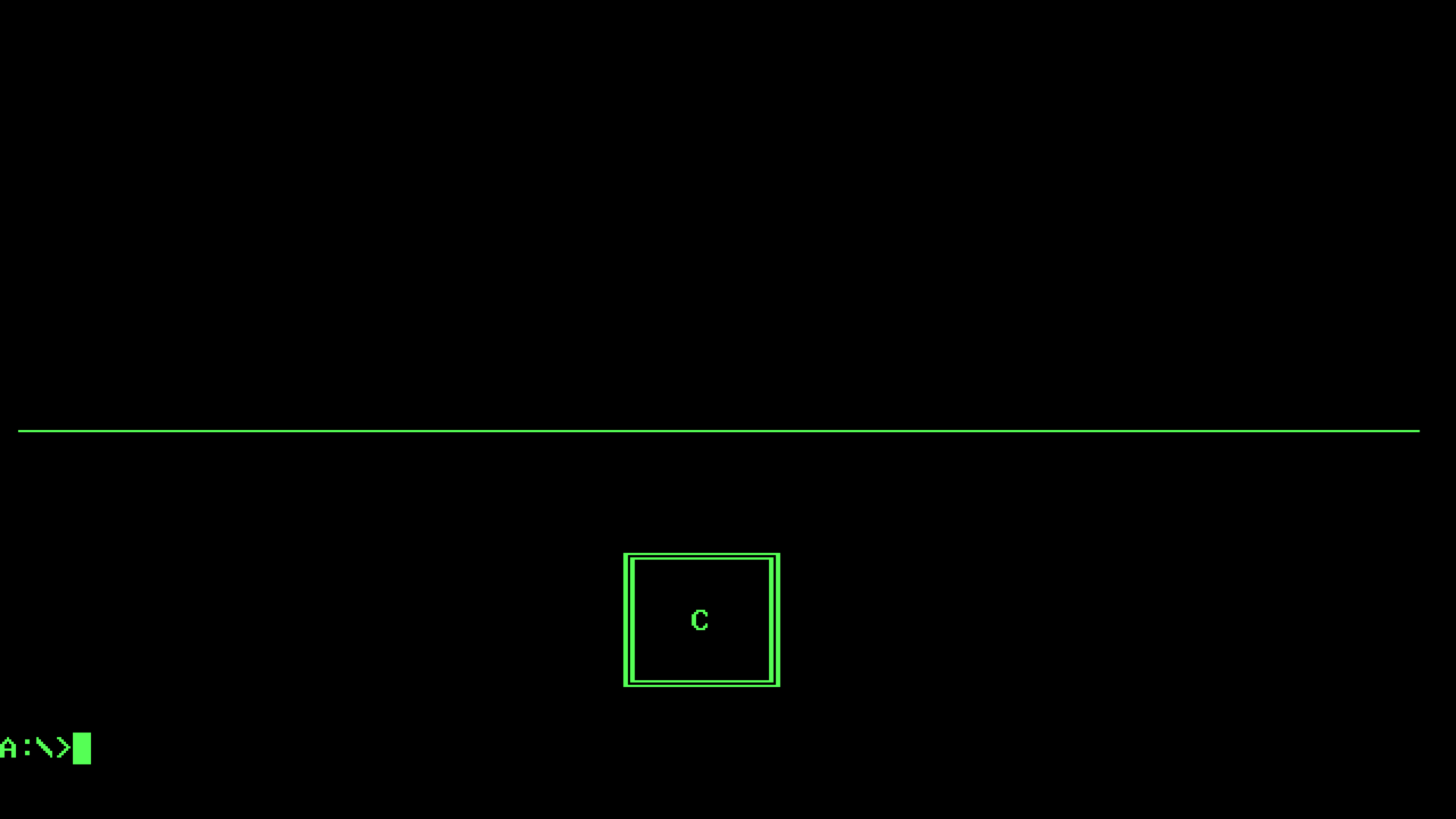
Disk Sign
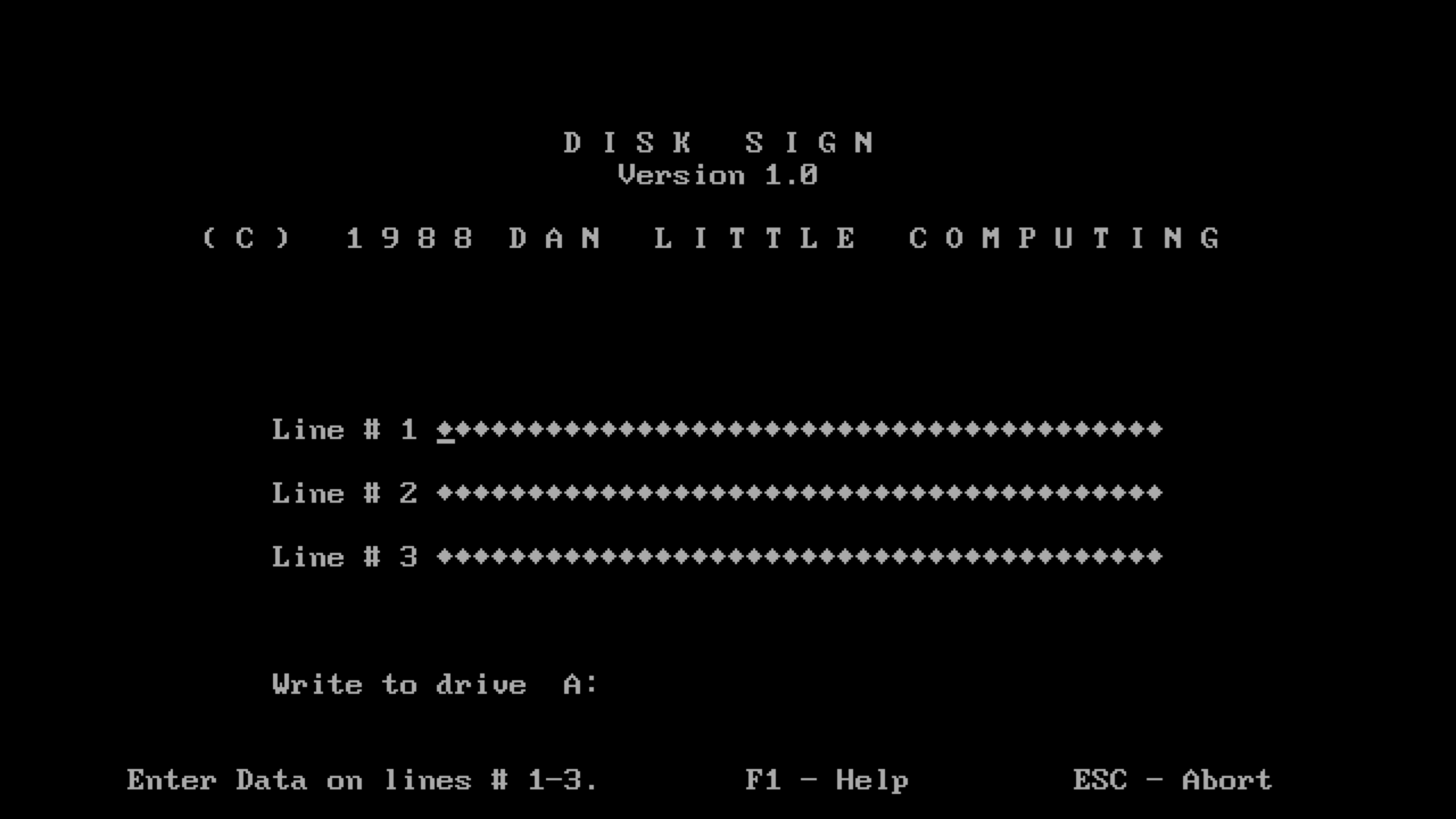
Back then, one of the first things a user would do was run a directory listing to figure out what was on a disk. Disk Sign let you place a vertical message on the disk itself. It was described in one review as one of the more creative marketing ideas to come along in a while. I should probably dig up that article someday.
X-Print
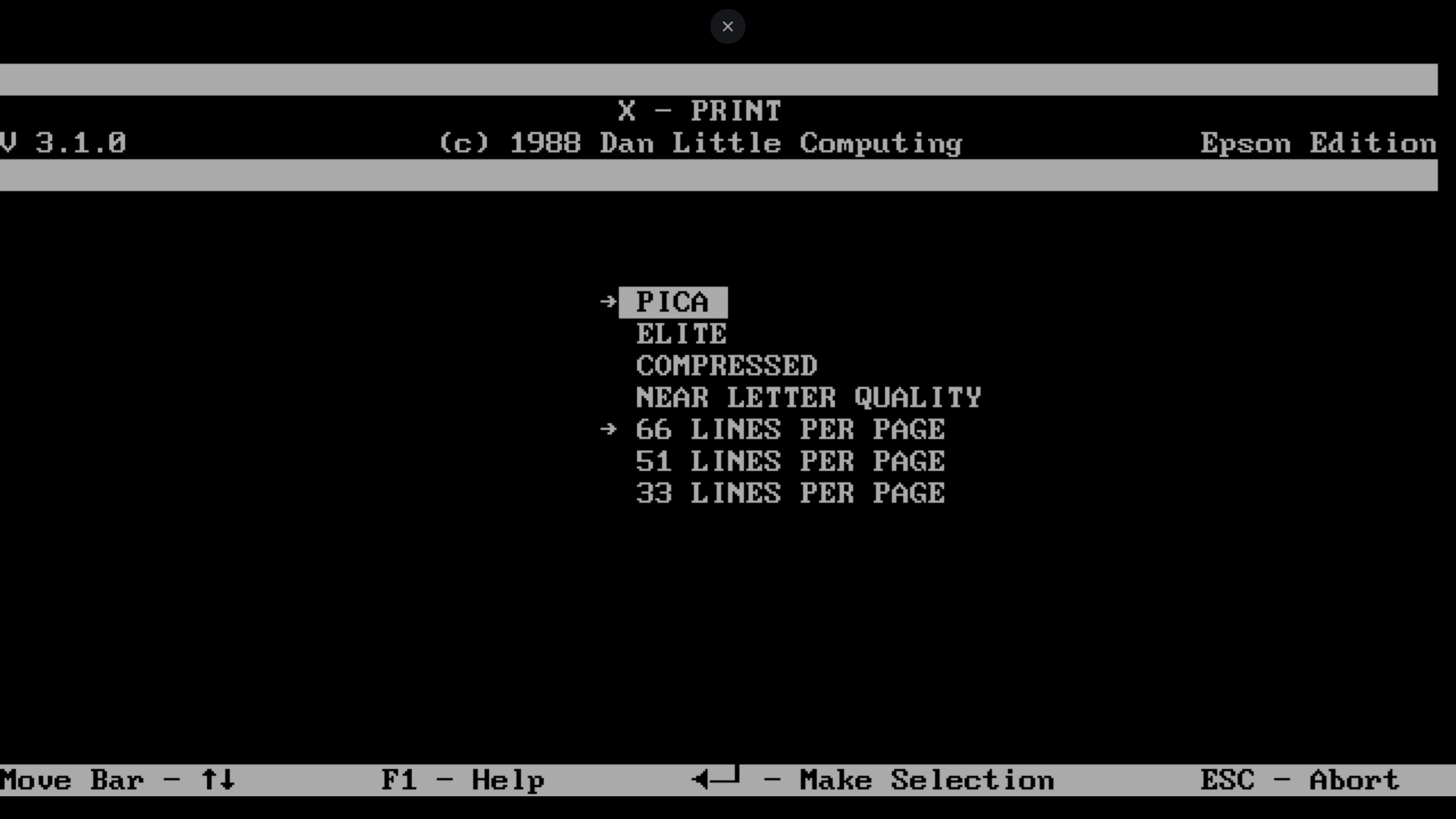
This was one of a few TSR programs I wrote. TSR meant terminate and stay resident, and it was one of the ways to simulate multitasking in the DOS era. X-Print sat on interrupt 27 and could be activated by pressing both shift keys. It let you send printer control codes quickly, which made printing an envelope surprisingly convenient.
Planner
The second TSR I wrote is not shown here, but it was called Planner. It was a calendar program, and I vividly remember spending days trying to understand how Easter is calculated. My mom insisted the candy companies determined it. As it turns out, the calculation is quite a bit more intense than that.
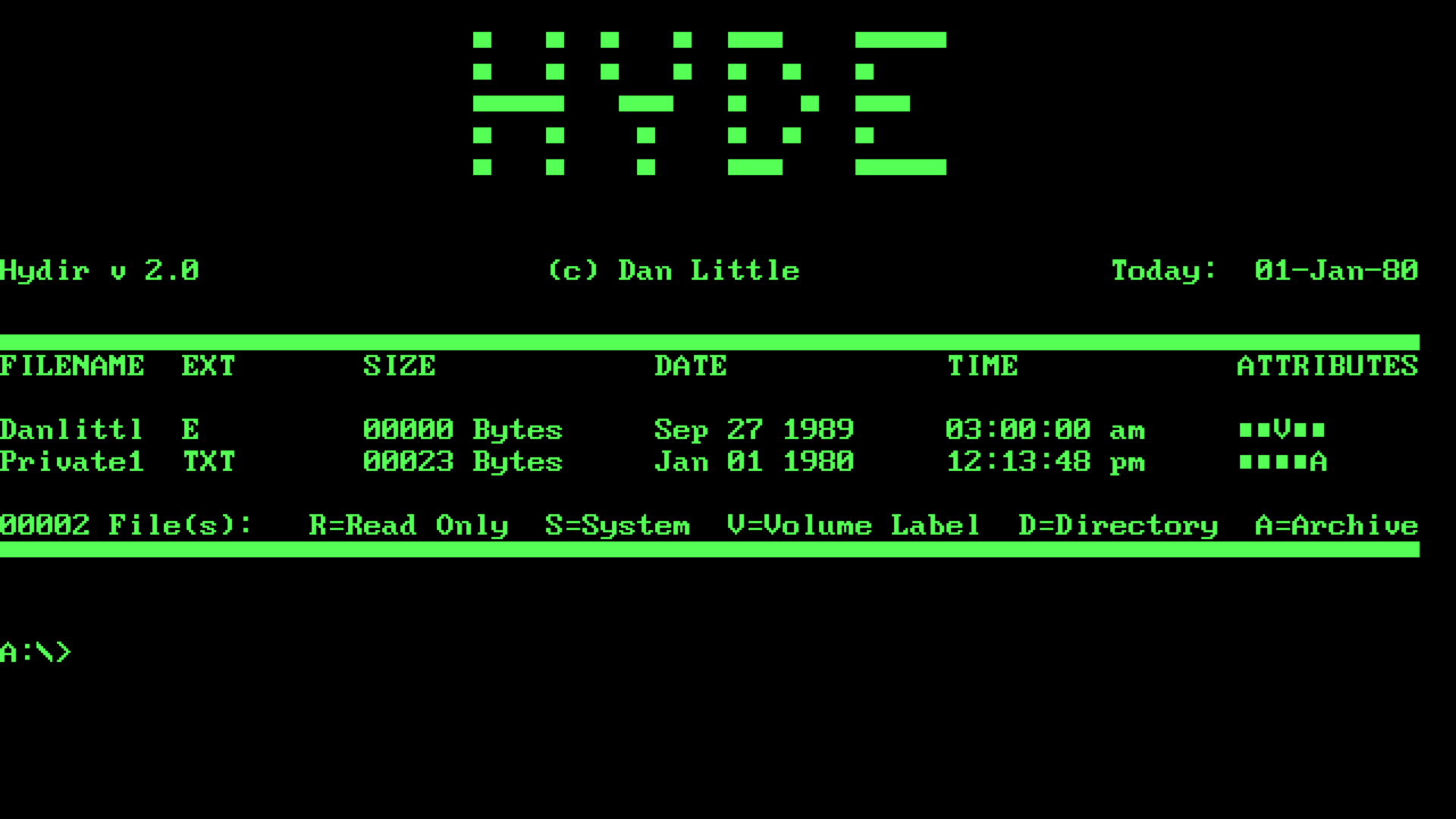
Hyde
This was a hide utility, even though I spelled it Hyde. It simply set the file attribute so the operating system would not display the file. DOS already had ways to do this, but that was hardly the point. There were three programs in the set: one to hide files, one to unhide them, and one to list hidden files in a directory.
Cursor Utilities
These programs let you change the default DOS cursor. One allowed you to grow and shrink it. The other let you define the start and end scan lines. Interesting work, definitely educational, and also a fine example of time I may never get back.
PC-SIG Library
As mentioned earlier, you can visit a subset of the PC-SIG library that contains my submissions, or browse much more of the full archive, including older operating systems and classics like Wolfenstein. I still remember bouncing my kid on my lap while playing that game.
About This Site
This is a personal site for the projects, experiments, and software history that did not fit neatly anywhere else.